
The overview in detail
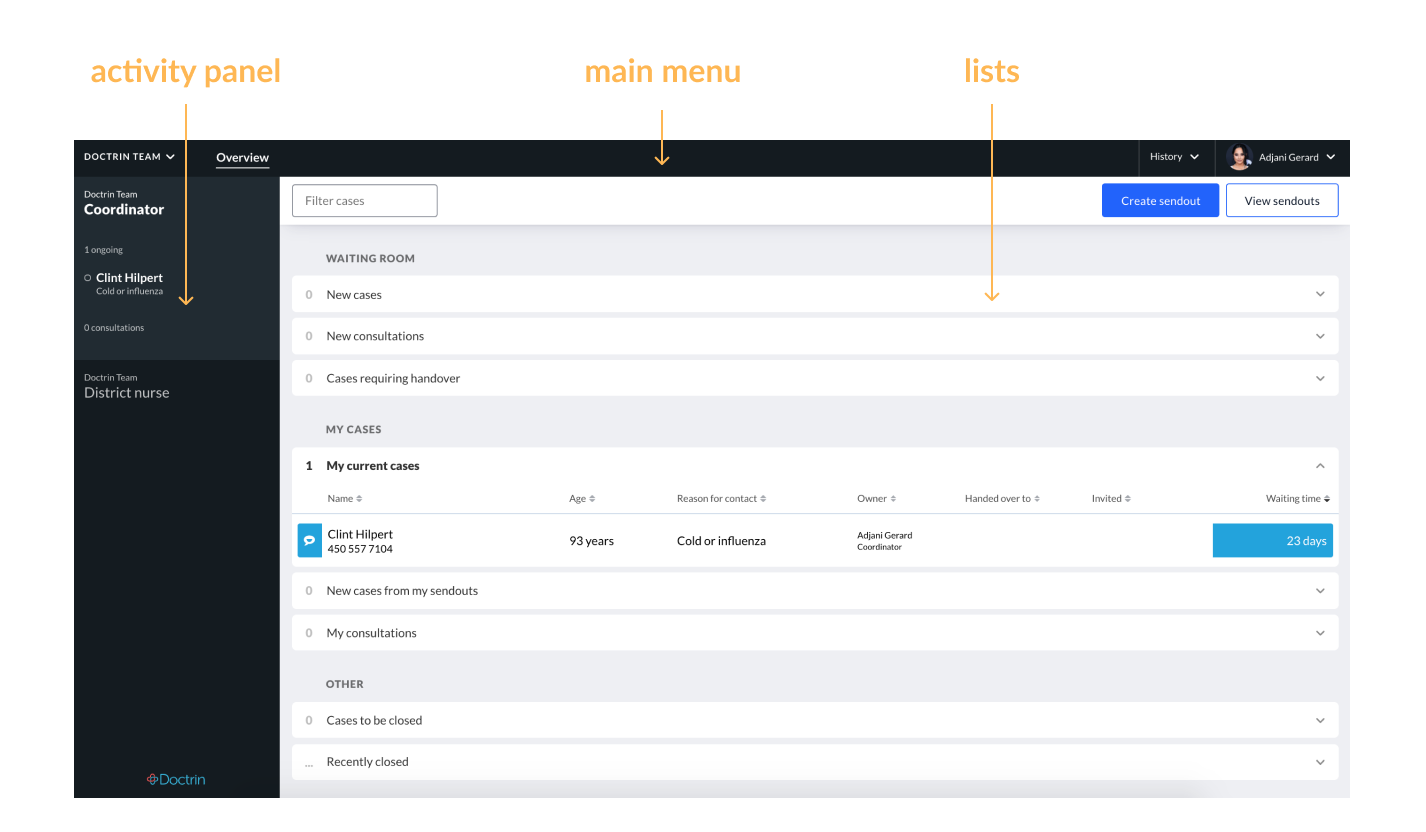
The Overview is the first view you see when you log in to the Doctrin Platform. Cases are grouped into lists depending on need and status.
The Overview has three areas; main menu, activity panel and lists.
Show/hide aktivity panel
When needed, it is possible to hide the activity panel and focus solely on working with the lists. To show/hide the activity panel, click on the arrow located between the two surfaces.
Updated on 2025-12-24