
Edit user details
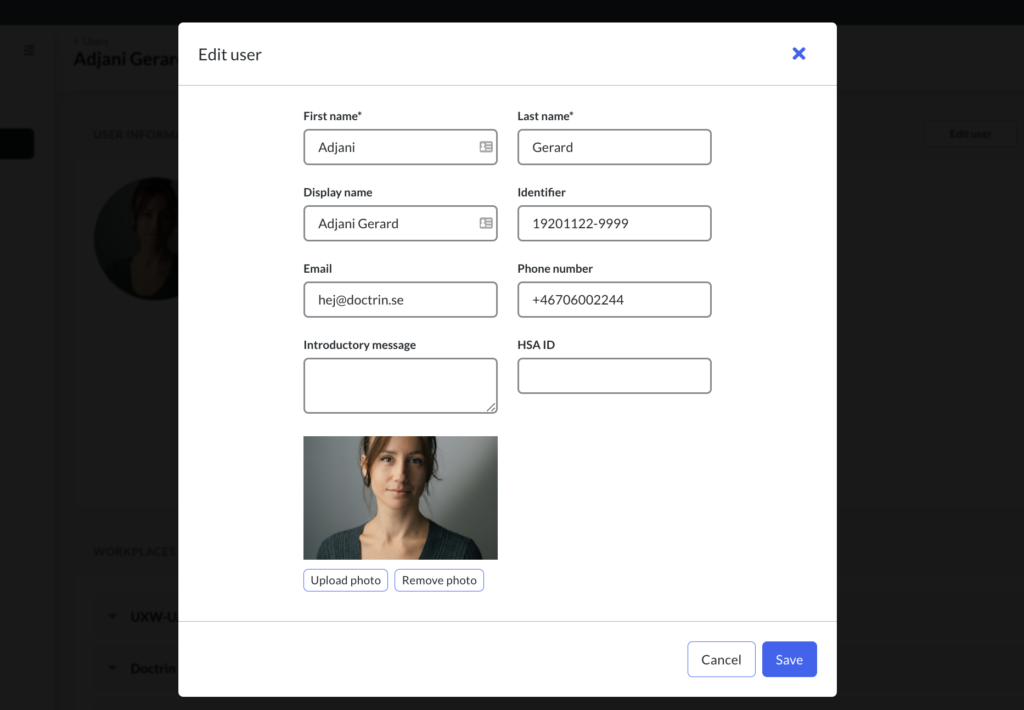
How to edit a user
- Login to Admin.
- Select the unit that you want to manage.
- Select Users.
- Use the search field to filter users.
- Find the user in the list of users.
- Select the user.
- To update user details, such as display name and phone number select “Edit user”.
To update permission profiles or unit/workplace, scroll down and select unit to edit access for that specific unit. More about add/remove users for a unit/workplace.
Updated on 2023-02-01