
Use the chat with a patient
A chat message is sent to the patient immediately. The patient will be able to read your message by logging in to the patient interface. The patient may get notified that there is a new chat message. Learn about notifications to patients.
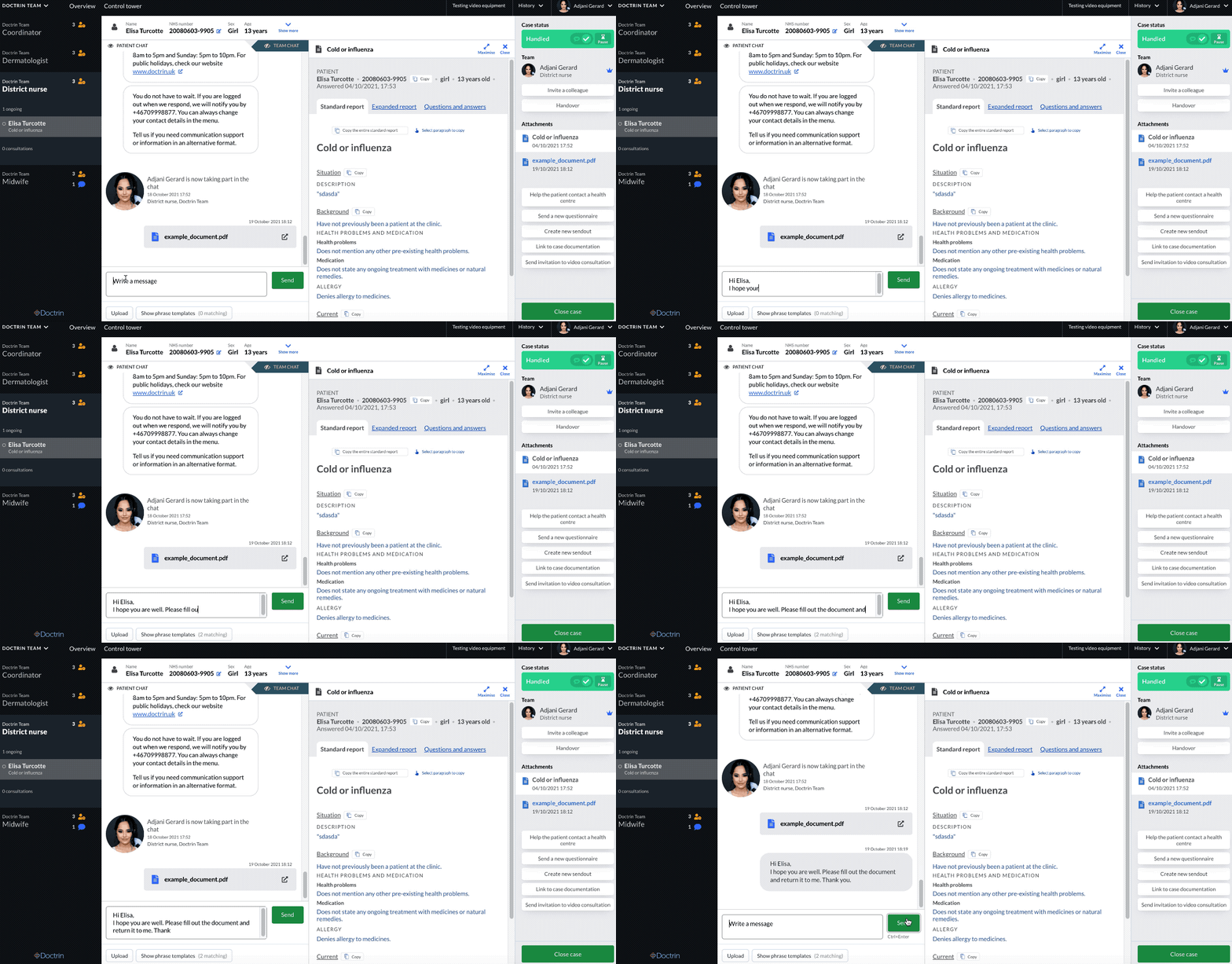
Send a message in the chat
- Go to the case view for a patient.
- Write the message in the text field at the bottom of the screen.
- When you are done send the message by clicking the button or tapping the keys Control + Enter on your keyboard.
Addintional information
Combine working in the chat with the feature Phrase templates (saved phrases), to create an even smoother workflow for your users.
Phrase templates facilitate work in the platform because you do not have to write the same phrases over and over again. They can e.g. contain advice for self-care and links to external websites.
Updated on 2021-11-01