
Create a sendout – child and teenager
With Sendouts you can contact a teenager directly (with their own identification), or the guardian(s) of a child, to gather more information before an appointment or send e.g. test results, a questionnaire or self assessment scale before a scheduled appointment.
[This is a feature that Doctrin activates on request]
If a unit has Sendouts for children activated, it is possible to configure the age limit for youngest and oldest age of a child, that you want to provide care for.
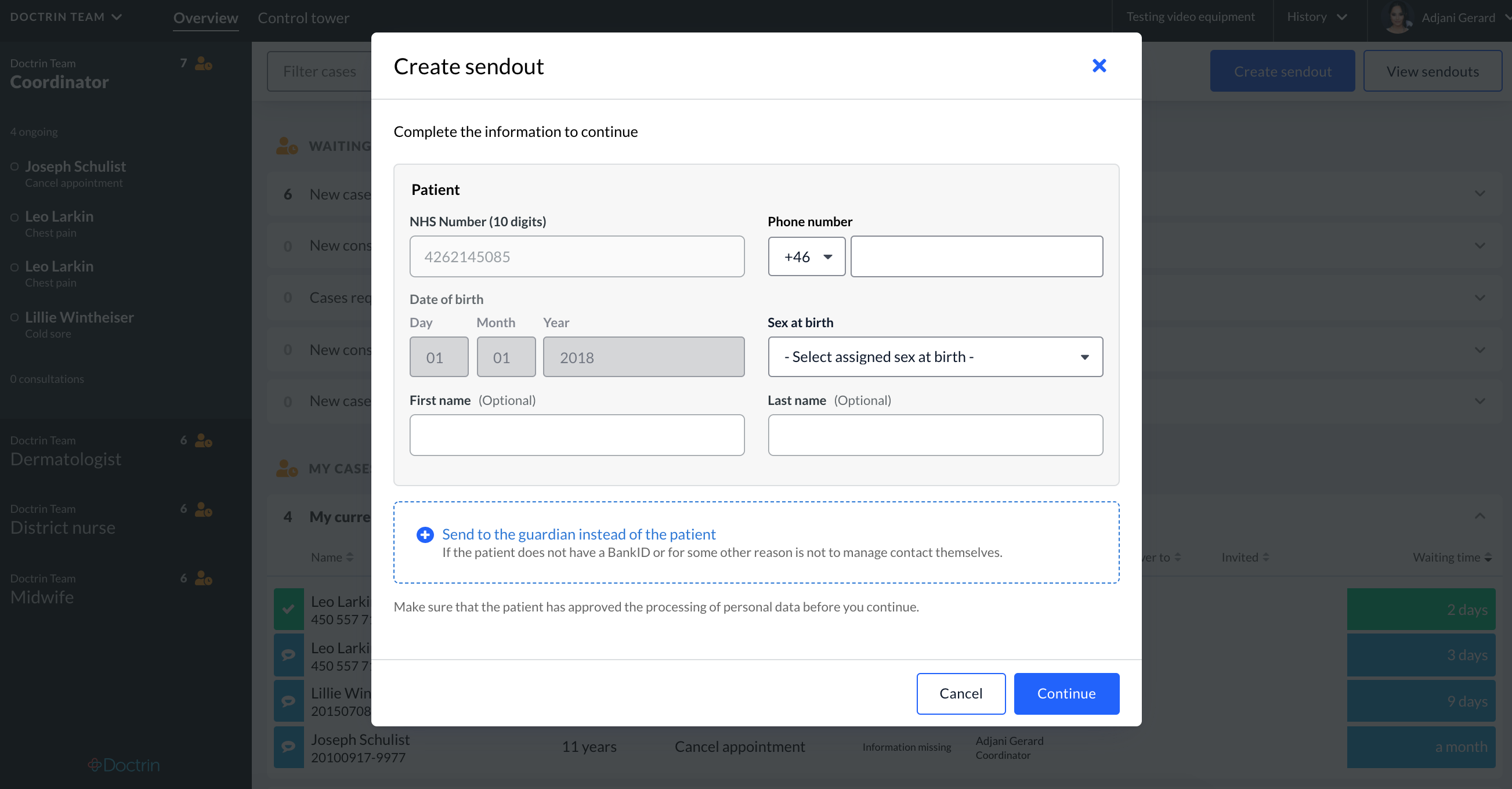
How to start creating a Sendout – search and choose a patient
The workflow is the same as for an adult, with a few extra steps for adding a guardian if a child is a minor.
- If you want to contact a child – you will be asked to add a guardian. All communication will be handled by the guardian. It is possible to send the initiating notification (SMS/email) to multiple guardians, but only one can take part in the case.
- If you want to contact a teenager – you will have the option to contact the teenager directly or add a guardian. If you add a guardian, only the guardian will receive information about the case, not the teenager. If you do not add a guardian, it is required to enter a phone number for the teenager.
 As caregiver you are responsible to make sure you add a correct guardian for a child.
The feature Protected identity is currently not supported for Sendouts regarding children.
Updated on 2023-01-18