
Login and logout
General information
We recommend to use Doctrin platform with a secure and supported web browser. To be able to work in the platform you need a personal user account. Ask your unit superuser if you do not have one.
How you login as a professional user:
- Open a supported web browser and go to the URL provided by Doctrin.
- Select authentication method. The authentication method depends on the setup for your unit. If you can not log in, contact your unit superuser and request access to Doctrin.
- Authenticate yourself.
- You are now logged in and ready to work in the platform.
How you log out as a professional user:
- Go to your account profile in the menu.
- Select “logout”.
- You are now securely logged out of the platform.
If you have notifications turned on, you will receive notifications even if you are logged out. Note that your unit can log you out automatically after a specific period of inactivity.
Professional user working with multiple units
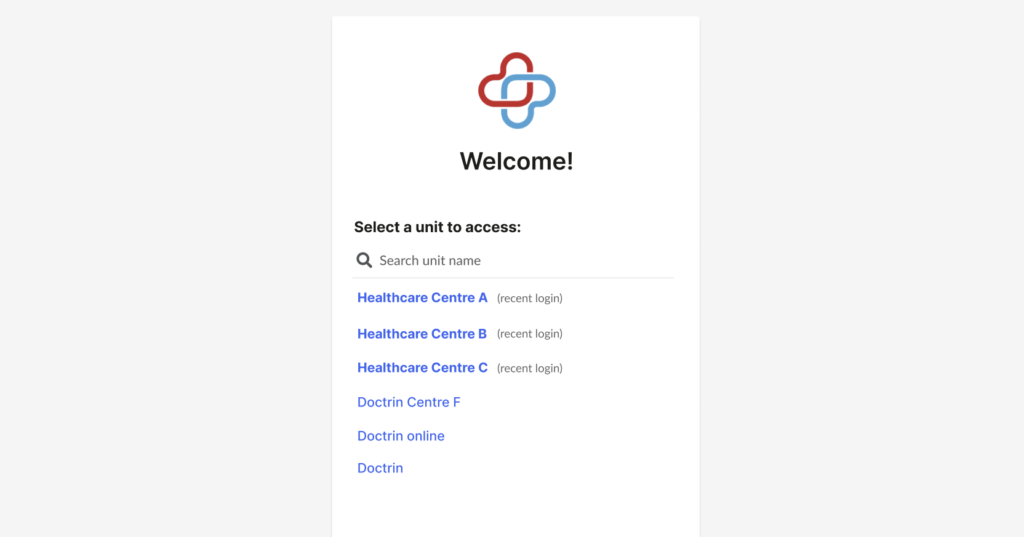
If you have multiple units connected to your user account, they will all show on the page where you log in. You can select the one you want to work with. The most recently active units are shown at the top of the list.
Updated on 2023-03-06