
Export users
As a User Manager you have access to one or more units in Doctrin Admin.
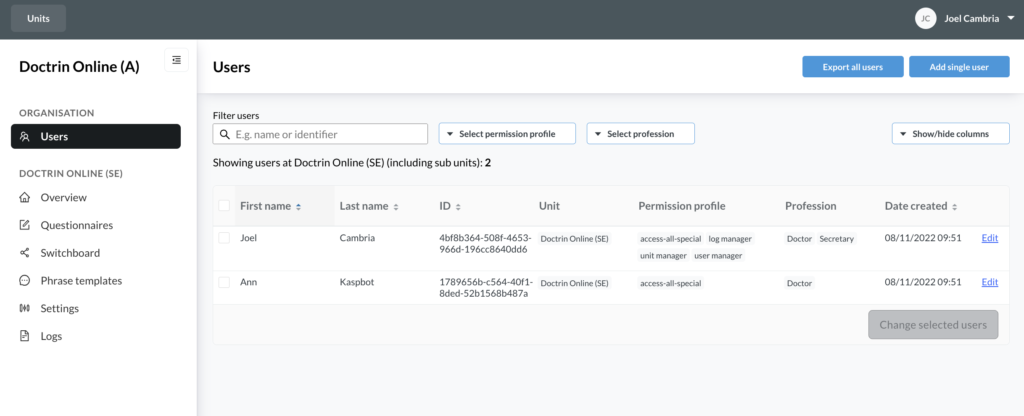
If you open a unit in Admin and select “Users” from the menu, a list of all users added to this unit you have opened will be displayed.
Above the list, you can choose to export all users on a unit. The export also includes sub-units. When you click on “Export all users”, a CSV file will be downloaded to your computer.
Updated on 2023-06-04