
Date stamps for sendouts
The sent date for a Sendout is the date when the patient receives a notification (sms/email). It is either immediately or the date you have selected for scheduling.
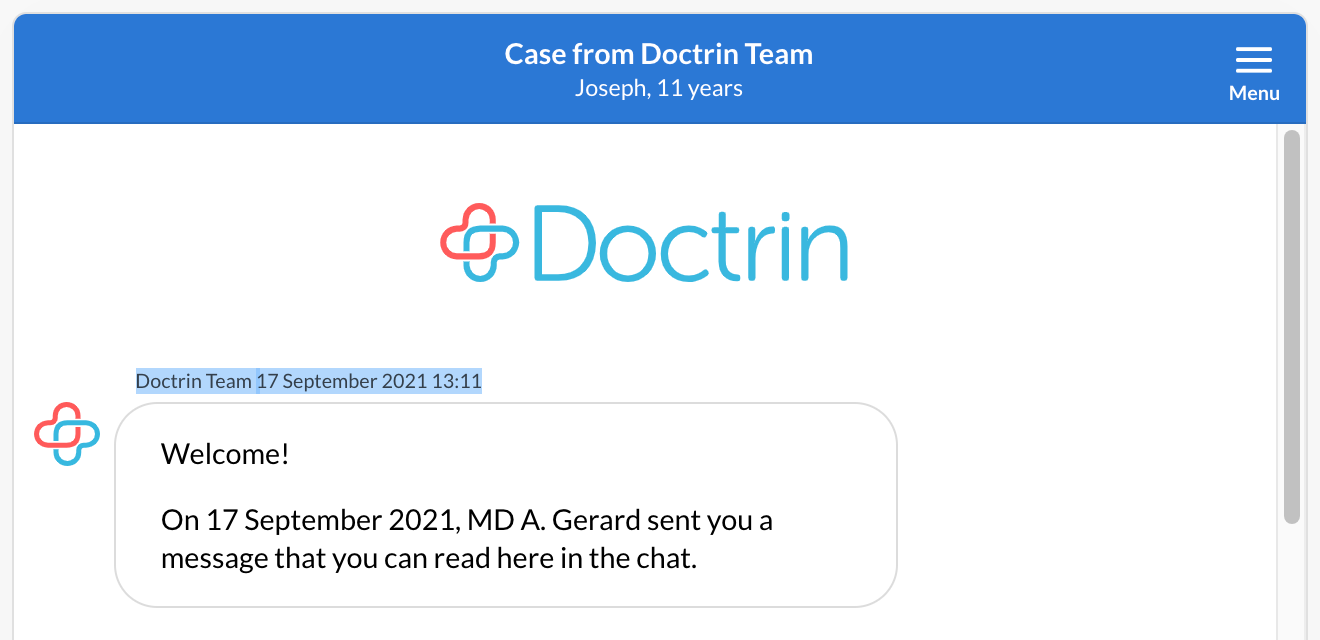
The sent date will be shown together with the first chat message shown to the patient. When managing a case that was started from a Sendout, you can always scoll up in the chat to find that date.
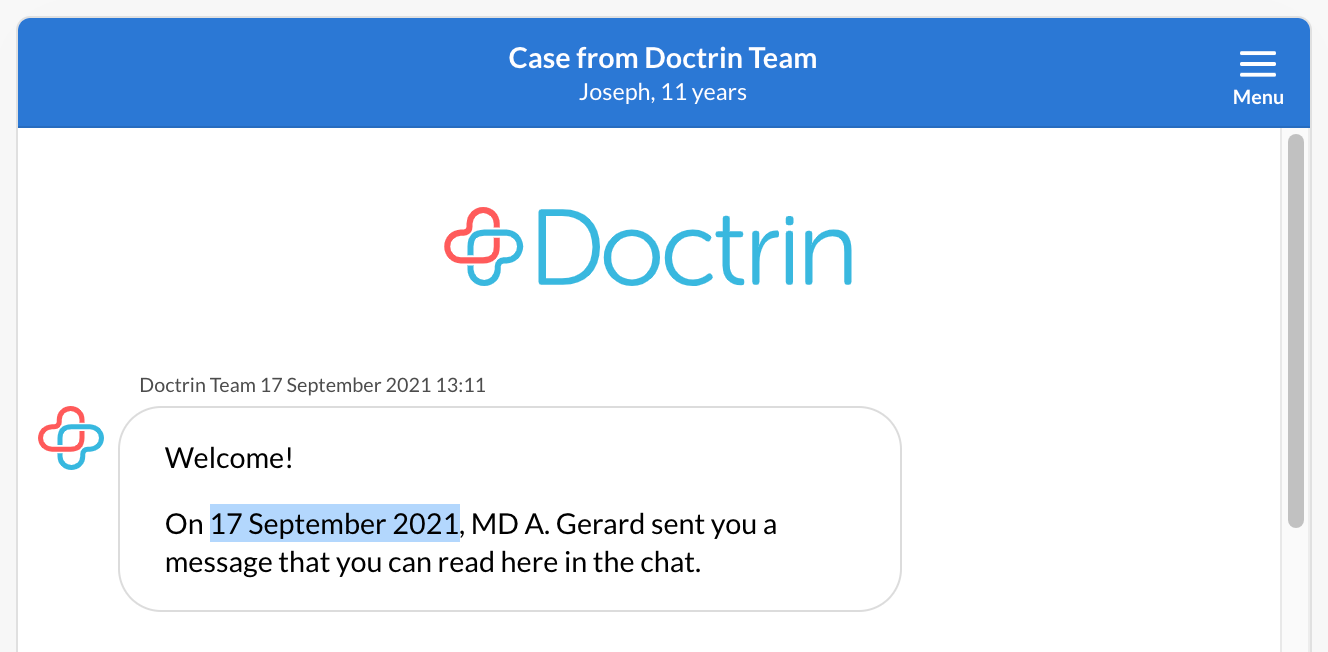
The opening date is the date when the patient logs into the platform and opens the Sendout. Note that the patient can read a notification without opening a Sendout. The opening date will appear above your initial message to the patient.
Example:
You choose to create a Sendout for January 1st. The patient will recieve a notification on January the 1st. If the patient chooses to login into the platform and read the case on January the 5th, January the 5th is the date that will be registered for the case.
Updated on 2024-02-02