
Send links in the chat
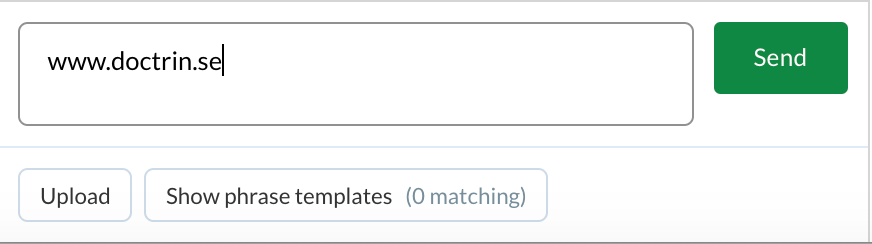
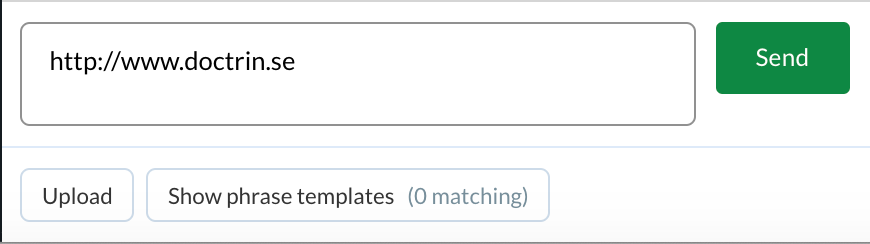
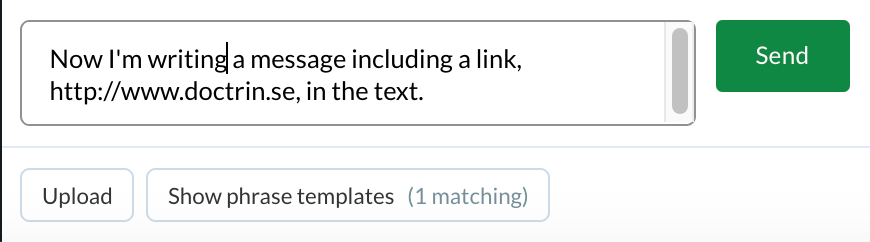
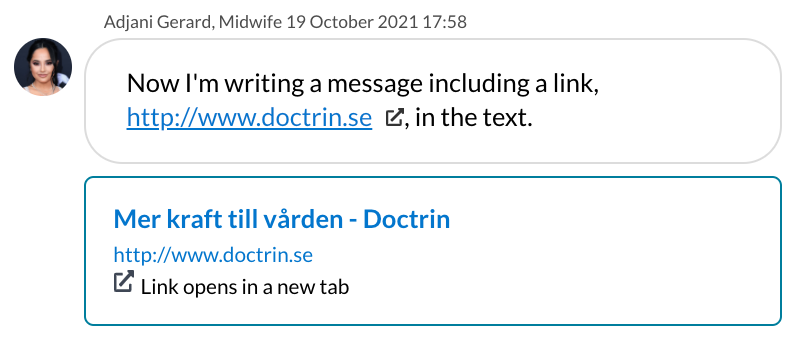
You can links to web pages in the chat. If you want the link to be clickable for the patient, make sure to include https:// or http:// .
How to send a link
- Go to the case view for a patient.
- Type or paste the link in the text field at the bottom of the screen.
- It is possible to add additional text.
- When you are done – Send.
The link is immediately sent to the patient.
| If a caregiver writes… | …the patient see |
|---|---|
 |
 |
 |
 |
 |
 |
Updated on 2021-11-01